
Guides
How to Verify an ILMpkk Certificate
Fake certificates are a real problem. A PDF can be edited in any design tool, and a printed certificate proves nothing by itself. That is why every certificate ILMpkk issues for its training and internship programs can be verified online, by anyone, in under a minute. This guide shows exactly how, whether you are an employer checking a candidate, a university checking an applicant, or a student checking your own certificate before sharing it.
Method 1: scan the QR code
Every ILMpkk certificate carries a QR code. Point any phone camera at it. It opens our verification page directly, with the result already loaded. You will see whether the certificate is valid, the student's name and ID, the program name, the duration, and the issue date. If what you see on screen does not match the certificate in front of you, the certificate has been altered.
Method 2: enter the certificate number
Near the bottom of each certificate is a certificate number that looks like ILMPKK-2026-00001. Go to cert.ilmpkk.com/verify, type the number, and press Verify.
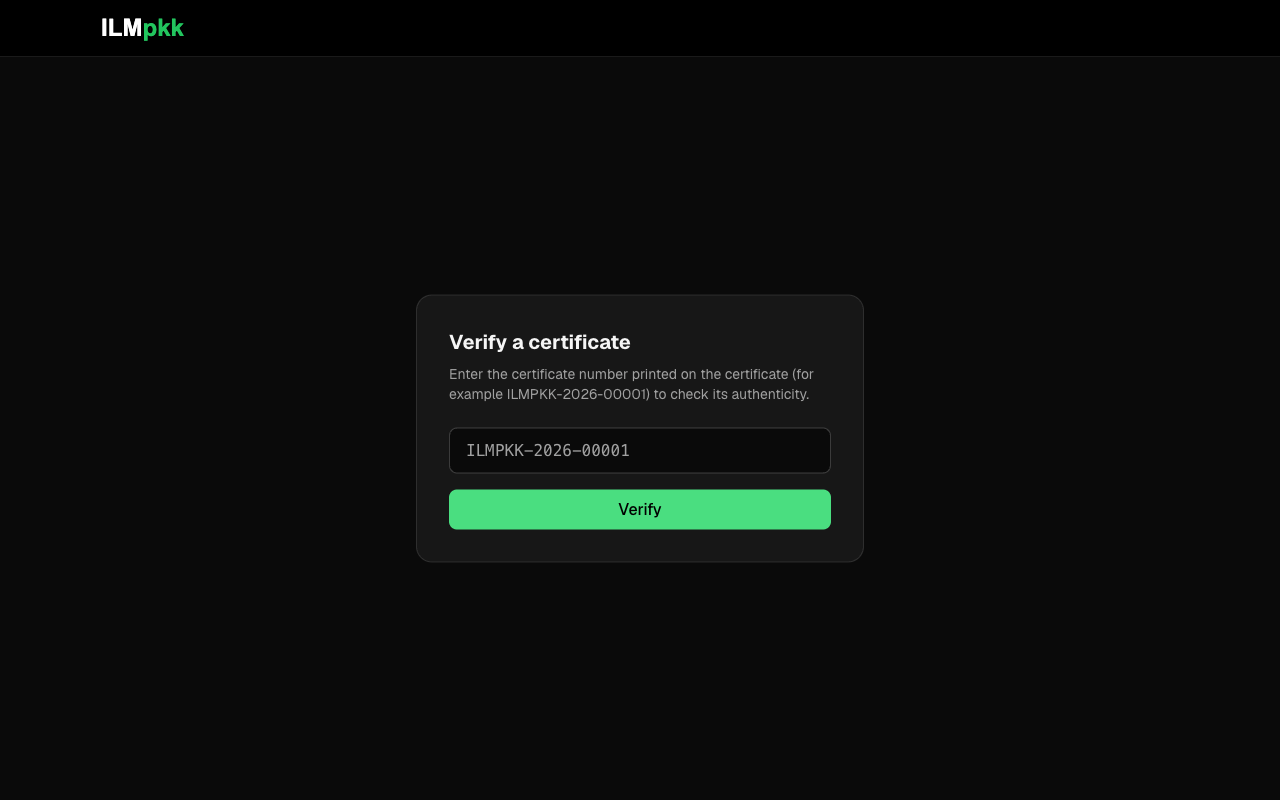
There are only three possible results:
- Valid. The certificate exists in our records and is active. The page shows the student name, student ID, program, duration, and issue date. Compare them with the certificate you were given.
- Revoked. The certificate was issued but has since been withdrawn. Treat it as not valid.
- Not found. No certificate with that number was ever issued by us. If someone presented it as an ILMpkk certificate, it is fake.
Method 3: use the certificate link
Students can also share their certificate as a direct link. That page shows the full certificate with a built-in Verify button and a PDF download. Because the page is generated live from our database, a revoked certificate stops working everywhere at once, including its PDF download.
For employers: what a valid result actually tells you
A valid result confirms that ILMpkk issued this certificate to this named student for this program. It does not by itself confirm the person in front of you is that student, so match the name against their ID as you normally would. If anything looks inconsistent, or a candidate gives you a certificate image without a working number or QR code, email us at info@ilmpkk.com and we will check our records directly.
Why we built it this way
We wrote a full article about the technical side (how we built Cert ILMpkk), but the short version: verification needs no account, no app, and no request to us. Trust that requires permission is not really trust. Anyone holding an ILMpkk certificate, and anyone shown one, can check it independently at any time.