
Behind the Scenes
How We Built Cert ILMpkk: Our Certificate Verification Platform
ILMpkk runs free training programs for students, and every completed program ends with a certificate. That created a problem we could not ignore: a certificate is only worth something if an employer can trust it, and paper certificates (or worse, image files shared on WhatsApp) can be edited by anyone in five minutes. So we built Cert ILMpkk: a platform where every certificate we issue can be verified online in seconds. This is the honest story of how we built it.
What it actually does
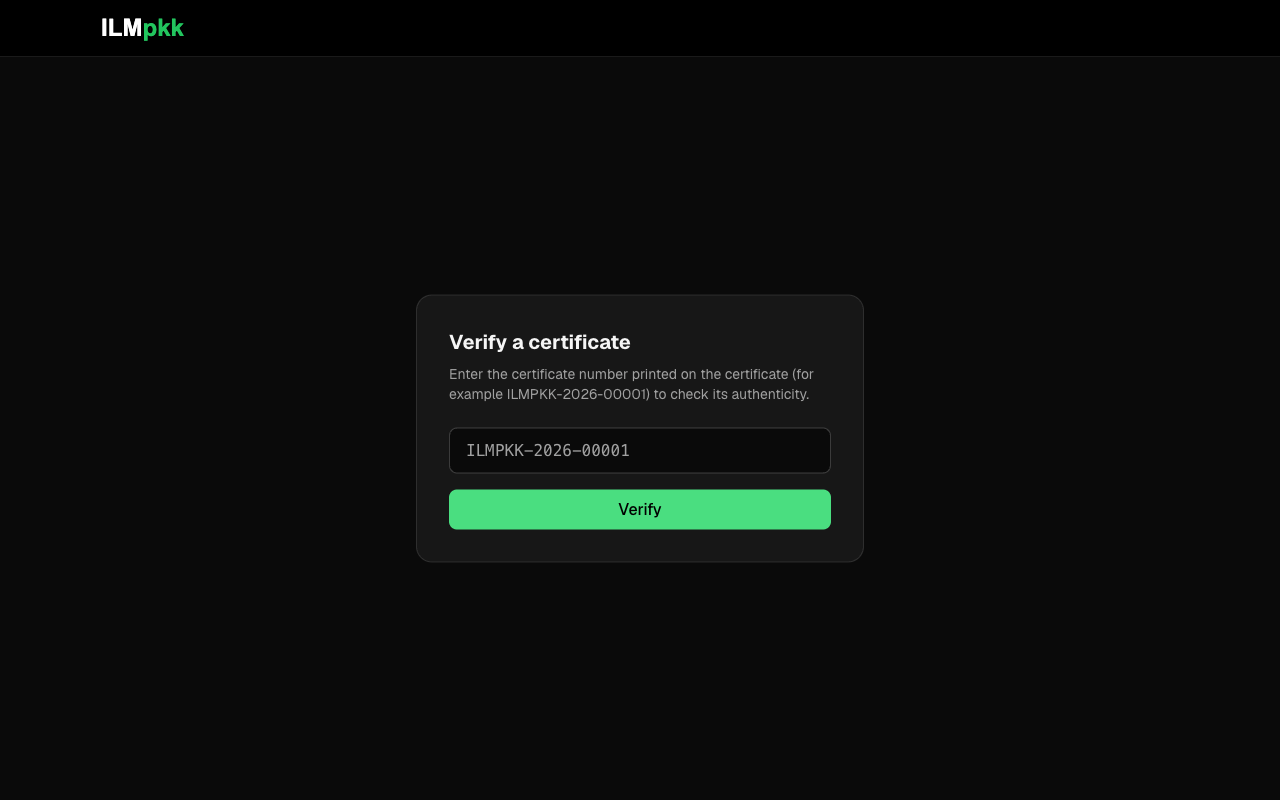
The product has three faces. First, an admin panel where our team manages students, internships, and certificates. Second, a public certificate page: every certificate gets a link like cert.ilmpkk.com/c/<certificate-number> showing the certificate with our logo, a signature, and a QR code, plus a button to download it as a PDF. Third, and most important, the verify page: anyone (an employer, a university, a parent) can type a certificate number and instantly see whether it is valid, revoked, or fake, along with the student name, program, and issue date.
The QR code on each certificate points straight to that verify page. Scan it with any phone and you land on the live verification result. No app, no account, no barrier: that was the whole design goal.
The stack, and why
We kept it boring on purpose: Next.js with the App Router, React, PostgreSQL through Prisma, NextAuth for the admin login with bcrypt password hashing, zod for validation, and Tailwind CSS for the dark interface. PDFs are generated with react-pdf, and QR codes with the qrcode library. Nothing exotic. For a product whose entire value is trust, choosing well-understood tools is a feature, not a compromise.
One decision we are glad about: PDFs are rendered on the fly when someone clicks download, never stored on a server. The database is the single source of truth, so a revoked certificate immediately stops being downloadable too. The PDF route checks the certificate status before rendering anything; a revoked certificate returns nothing at all.
Small decisions that took the longest
Here is what nobody tells you about building even a small product: the code you expect to be hard often is not, and the things you expect to be trivial eat your days. Our two examples:
- Certificate numbering. We wanted numbers a human can read over the phone, like ILMPKK-2026-00001, not random strings. That meant sequential numbers, which meant handling the case where two certificates are created at the same moment. The generator runs inside a database transaction, finds the highest existing number, and increments it, with the sequence resetting each year. We also went back and forth on the prefix itself more than we would like to admit: the capitalization of "ILMpkk" versus "ILMPKK" changed multiple times in our commit history. Lesson learned: decide your naming convention once, write it down, and normalize the casing everywhere you compare identifiers.
- The certificate design. Our git history shows more commits polishing the certificate layout, logo, and signature rendering than building the verification logic. The verify feature worked in a day; making the certificate look like something a student would proudly share took several more. We eventually switched from SVG assets to PNG for the logo and signature because of how they rendered inside the PDF.
What we deliberately did not build
The first version has exactly one login: ours. Students do not have accounts; they are records that we manage, and they receive their certificate as a link. There is no email automation either: we send links manually. It was tempting to build student dashboards, bulk email, and institution accounts from day one. We did not, and the product shipped in days instead of months. Features earn their place when real usage demands them, not before.
What we would do differently
Two things. First, the identifier casing mess described above: we would define the exact format on day one. Second, we would write down the deployment configuration checklist earlier. The QR codes bake in the site URL from an environment variable, which means a misconfigured variable would quietly produce certificates with broken QR codes. Nothing bad happened, but we only realized the risk while reviewing the code later, and that is the wrong time to notice.
If your institution or training program needs certificate verification, or you are a student wondering whether a tool like this is buildable by a small team: it is. Start with the smallest version that creates trust, and grow from there.